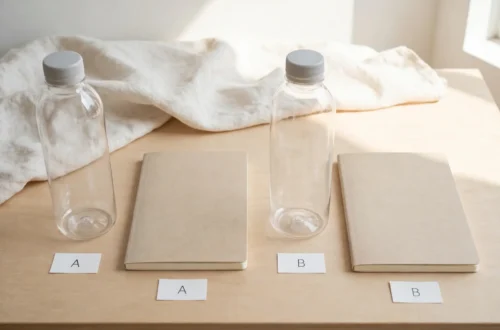








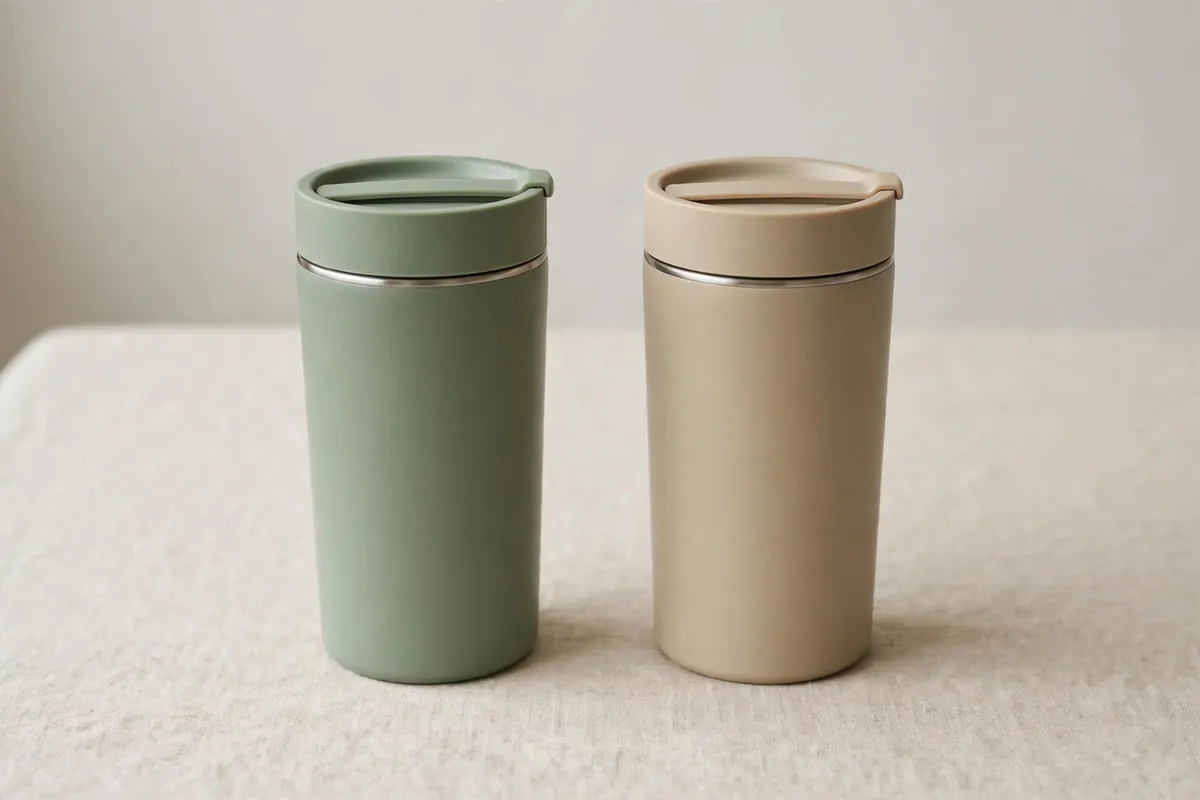
You find two items that look almost the same. Which one should you buy?
This guide shows you how to compare two items on Amazon, on a computer and on the app, and what to check besides price.
Note: Amazon changes its buttons and layout from time to time. The steps below use general terms, so they still help if a button moves. At the time you read this, look for the compare option on the product page or in the app.
1. Does Amazon Have a Compare Feature, and Where to Find It?
Yes, for a lot of products. But not for every item. It can also sit in a different place from one category to the next, so you may need to look around the page a little.
On a product page, scroll down. On many pages, you may see a section that compares that item with similar items. In search results, you may see a small box or option to add to compare in Amazon. If you see it, tick it for the items you want to compare. Even with no compare table, the product page still shows price, main facts, ratings, and seller and return details.
2. How to Compare Two Items on Amazon, Step by Step (Desktop)
Here is an easy way to do it on a computer, whether Amazon shows you a compare table or not.
Step 1: Pick two final items. Search, then narrow it down to two. Comparing two is much easier than comparing ten.
Step 2: Look for the compare option. On the search page or a product page, look for a compare option or a section that compares similar items. If you see it, use it.
Step 3: Open both product pages. If there is no compare table, open each item in its own tab and switch between them.
Step 4: Check the same facts for both. For each item, check price, size, main features, ratings, seller, and return details. Section 4 explains each one.
Step 5: Write down the differences. On paper or in a phone note, list each item with the facts that matter most to you — for example, price, size, rating, and return policy. Then buy the item that fits your need best, not just the cheapest one.
3. How to Compare Items on the Amazon App
On the app, the screen is smaller, so comparing can feel fiddly. The good news is the idea stays exactly the same.
First, search in the app and narrow it down to two items. Save them or keep them open. Next, open a product page and scroll down. Look for a compare section or option, if one is shown. Buttons and layouts in the app can change, so look for the word “compare” at the time you read this. If you see it, tap it and follow the steps on your screen.
If there is no compare view, switch between pages. Note the price, size, ratings, and return details for the first item, then check the same facts for the second. Take a screenshot or a short note, so you do not forget the first item.

4. What to Compare: Price, Specs, Ratings, Returns, and Seller — Not Price Alone
It is easy to look at price and stop there. Price does matter, of course. But the cheapest item can turn out dear if it is the wrong size, or a pain to send back.
Price, plus extra costs. Check the full price you will pay, including delivery costs if any are shown. Also check what is included. One item may look cheaper but come with less in the box.
Specs, or the main facts. Specs means size, weight, colour, material, and what the item can do. Ask: will this fit my space? Does it do the one job I need? The item that fits your need beats the item with extra features you will not use.
Ratings and reviews. Look at the star rating and how many people rated it. Then read a few reviews, good and bad, about real use: size, quality, and whether the item matched its photos.
Returns. Check the return details shown at the time you read this. Can you return it if it does not fit? How long do you have? Who pays for the return?
Seller. Check the seller name, and the seller rating if one is shown. If more than one seller sells the same product, price, delivery, and return details can differ.
Let the two or three facts that matter most for your item decide.
Use this short table as your note sheet. Write down the same fact for both items, side by side, so you can see the real difference at a glance.
| What to check | Item A — what the page shows | Item B — what the page shows |
|---|---|---|
| Full price, including any delivery cost shown | ||
| Size, and what is included in the box | ||
| Main features — what it does, and the one job you need | ||
| Ratings — star rating and how many people rated it | ||
| Return details — can you return it, for how long, and who pays | ||
| Seller — seller name, and seller rating if one is shown |
Then look across each row, not just down one column. The better buy is usually the one that wins on the two or three rows that matter most to you — not the one that is cheapest in the first row alone.
Today’s price is not the whole story, so check Amazon Price History Trackers: How to Track Prices.
5. When Amazon’s Compare Tool Is Not Enough, and What to Check Next
Sometimes the compare tool, when you see one, only shows a few basic facts. Read the full product description for size, contents, care steps, and any warnings. A short table can hide a size difference.
Also read the questions and answers, if shown. Other buyers often ask the exact question you have. Check buyer photos, if shown, too. They show the item in real life, including size and colour in normal light.
Last of all, think about the full deal, not just the price tag. Will it last? And if it is wrong, can you send it back without a fuss? The best value is the one that does the job well, for a fair price.
For how to choose beyond the compare tool, see What is a Buyers Guide? Definition & Examples.
A Fair Look: What This Compare-First Way Does Well, and Where to Be Careful
Judge this method by three simple tests: did you compare like with like, did you check the same facts for both items, and did you look past price alone? If the answer to all three is yes, the method has done its job.
What is good about it
- It stops a quick price-only choice. Size, what is included, ratings, returns, and the seller often change which item is really the better buy.
- It works with or without a built-in compare tool. Two open product pages and a short note give you the same side-by-side view.
- It works on a computer and on the app, because the facts to check stay the same even if buttons and layouts move.
What to watch out for
- A built-in compare view may show only a few basic facts. A size difference, or what is left out of the box, can hide in a short table, so still read the full description.
- A star rating alone can mislead. A high rating from very few people is not the same as a steady rating from many people, and one review never tells the whole story.
- Photos, delivery costs, and return details can differ between sellers of the same type of item, so check the details for the exact listing you plan to buy, not just a similar one.
Who it suits
This way suits you if you have narrowed it down to two similar items and want a calm, fair choice before you spend. It suits a first-time buyer most of all, because it turns a vague feeling — “this one looks better” — into facts you can point to.
Who it may not suit
It may not suit you if the two items are very different types, if you need expert advice for a technical or safety-critical purchase, or if you only need one simple item and already know exactly what fits. In those cases, compare like with like first, or get advice from a trusted source, before you rely on a side-by-side check alone.
No product, tool, star rating, or buyer quote has been added here, because none was in the original post. Nothing above is a review of a specific item.
6. Common Mistakes When Comparing Products
Only looking at price. The cheapest item is not always the best buy. Check size, quality, ratings, returns, and seller too.
Comparing different things. Make sure both items are the same type and size. Do not compare a small size with a large size and then wonder why the price differs. Compare like with like.
Trusting one review, or only the star rating. One review does not tell the whole story. Read a mix. If many people mention the same problem, take note.
Skipping return and seller details. Check them before you buy. It takes one minute, and it can save a lot of trouble.
Quick Checklist Before You Buy
- I picked two items of the same type and size.
- I checked price, including any delivery costs shown.
- I checked size, main features, and what is included.
- I checked ratings, the number of ratings, and a few real reviews.
- I checked the return details and the seller.
- I picked the item that fits my need best, not just the cheapest one.
If you can tick all six, you can buy with much more confidence.
This guide is based on a simple, careful habit, not on a claim about any one product: check the same facts — price including any delivery cost shown, size, what is included, ratings, returns, and seller — on both product pages before you decide, and read a mix of reviews rather than trusting price or a single rating alone. Before you buy, always re-check the current product page, because prices, delivery costs, and return details can change, and the listing you buy from matters as much as the item itself. That extra minute of checking is why this method tends to work better than picking the cheapest item at a glance: it helps you spot the wrong size, the missing extra, or the harder return before you pay, not after the box arrives.
Frequently Asked Questions
Does Amazon have a compare feature?
For many products, yes. You may see a compare section on the product page, or a compare option in search results. It does not show for every item, and the layout can change. If you do not see it, compare the two product pages yourself, using the checklist above.
How to compare 2 products on Amazon on the app?
Search in the app, narrow it down to two items, and open each product page. Look for a compare option, if one is shown. If not, note the key facts for the first item, then check the same facts for the second.
Is the cheapest item always the best deal?
No. A low price can hide a smaller size, fewer items in the box, higher delivery costs, or a harder return process. Compare total value: what you get, how well it fits your need, and how easy it is to return if it is wrong.
Pick two items. Check the same facts for both. Look past price alone. Then choose the one that fits your life best.