








A buyer’s guide is a simple guide that helps you choose the right product before you spend money. It explains what to look for, what to compare, and what questions to ask. In short, a buyer’s guide is an example of a helpful buying tool, not a sales ad. It helps you think clearly and pick what fits your needs.
In plain words, that is what a buyer’s guide means. A good guide puts the buyer first, uses plain words, lists the main features clearly, and points out limits, so you are not surprised later.
Many people look for buying guide examples before a big choice, such as a phone, a washing machine, a sofa, or a car. The goal is the same: buy with confidence, not with guesswork.
What a Good Buyer’s Guide Must Include
A buyer’s guide should do more than just list products. It should help you compare them fairly, side by side. Here are the parts it should include.
First, it should explain who the product is for and what it does in plain words. A guide for a beginner looks different from a guide for an expert.
Second, it should list the key features to check, such as size, ease of use, build quality, and running costs. They often matter more than a long list of extra features.
Third, it should compare options side by side and explain the trade-offs: a cheaper option may lack a useful feature, while a dearer option may offer more than you need.
Fourth, it should cover costs beyond the price tag, such as upkeep, parts, power use, and product life. A low price is not always a good deal if the product needs frequent repairs.
Finally, it should warn you about common mistakes, such as picking the biggest or newest model when a simpler one would do, and end with a clear next step: a short list to check in person or through trusted reviews.

Buyer’s Guide Examples
Buyer’s guides come in all shapes and sizes. The best one for you is the one that fits the size of your decision — a short guide for a small buy, and a fuller one for a big buy.
A general buyer’s guide
A general buyer’s guide explains how to shop for a whole type of product. For example, a guide to buying a laptop may start with one question: what will you use it for? School work, games, and video editing need different levels of power. The guide then explains the main choices, such as screen size, battery life, and storage, and helps you narrow your list to two or three good fits.
A product buyer’s guide
A product buyer’s guide focuses on one kind of item in more detail. For example, a guide to buying headphones may compare sound quality, comfort, battery life, and fit, and explain the difference between wired and wireless models. It may also explain when noise cancelling is worth it, and when it is not needed, so you can match it to travel, work calls, or exercise.
A car buyer’s guide and the “as-is” sticker
Cars have a special kind of buyer’s guide. This is where the buyers guide sticker definition comes in. In the United States, a car dealer must place a Buyers Guide sticker in the window of a used car for sale. It gives key facts about the car. It tells you if the car is sold “as is,” which means the dealer does not promise to fix faults after the sale. It may also list what a warranty covers, if one is offered.
This is why you may hear the phrase “a producer must leave a buyers guide.” In plain terms, the guide should stay with the car so the buyer can read it before deciding. Read the sticker, ask what “as is” means for that car, ask about the warranty in plain words, and ask for anything unclear in writing before you sign. Small print can change the whole deal, so a clear guide helps you see those facts early, while you can still walk away.

How to Use a Buyer’s Guide Before You Buy
First, read the guide before you visit a shop or open a shopping site, so you form your own view before a seller tries to shape it.
Second, write down your needs: what you will use it for, how often, where you will keep it, and how long you want it to last. Three or four needs are often enough.
Third, use the guide to make a short list of two or three options that fit your needs and budget. Do not compare ten products at once.
Fourth, check the key points yourself: size, weight, and feel if you can, plus return and warranty terms and total cost. If a feature, price, or offer may change over time, check it again at the time you buy.
Fifth, take your time with big purchases. Sleep on the choice if you can. A good deal today is rarely worth a rushed mistake.
A Quick Review: Is a Buyer’s Guide Worth Using?
Judged on three simple checks — does it explain the choice in plain words, does it cover the full cost, and does it warn you about common mistakes — a good buyer’s guide is a useful first step. It does not replace checking the product yourself, but it can stop a rushed, poorly informed buy.
What is good:
- It helps you list what you really need before a seller shapes your choice.
- It makes trade-offs clear, so a cheaper or dearer option is easier to judge fairly.
- It reminds you to check costs beyond the price tag, such as upkeep, parts, and product life.
What to watch out for:
- A guide on a seller’s own website may leave out flaws, so check it against a second source.
- A guide can go out of date, so check prices, offers, and terms again at the time you buy.
- A guide cannot tell you how a product feels, fits, or holds up in daily use — that still needs a hands-on check where possible.
Who it suits:
- Anyone facing a bigger or unfamiliar purchase, who wants a clear short list before deciding.
Who it does not suit as a sole source:
- Anyone who needs hands-on detail on one exact option, or who is buying a used car, where the window sticker, warranty terms, and a written check matter most. For those cases, use the guide first, then dig into a review, a comparison, and the seller’s own terms.
Buyer’s Guide vs. Review vs. Comparison
At first glance, these three tools can look much the same. In real life, though, each one does a different job.
A buyer’s guide teaches you how to choose. It explains the features, the trade-offs, and the questions to ask, and is best when you are still learning about a product type.
A review tells you about one product, sharing one person’s or one team’s experience with it, including its strengths and flaws. It is best when you already have a short list and want more detail on one option.
A comparison puts two or more products side by side, showing how they differ on price, size, features, and other key points. It is best when you are close to a decision and need to pick between clear options.
| Tool | What it does | Best time to use it |
|---|---|---|
| Buyer’s guide | Teaches you how to choose, and explains features, trade-offs, and questions to ask | When you are still learning about a type of product |
| Review | Looks closely at one product, including its strengths and flaws | When you already have a short list and want more detail on one option |
| Comparison | Puts two or more options side by side on the key points | When you are close to a decision and need to pick between clear options |
In short: use a guide to learn, a review to dig deeper, and a comparison to decide. Many smart buyers use all three, in that order.
For the comparison step, see How to Compare Products on Amazon.
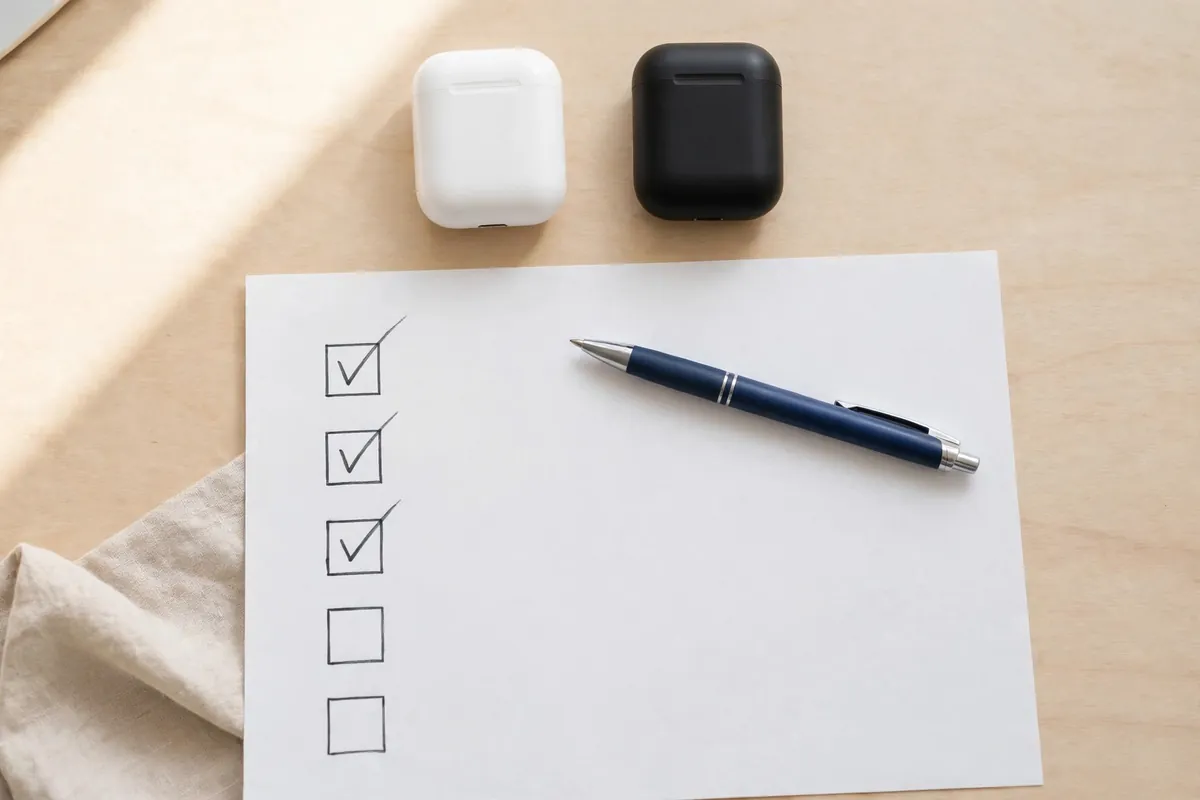
Checklist: Questions to Ask Before Any Purchase
Use this checklist before you buy anything, big or small.
- What do I need this product to do in daily life?
- What size, weight, or space limits do I have?
- What are the total costs, including upkeep and parts?
- What does the warranty cover, and for how long?
- What is the return policy if it does not suit me?
- Have I compared at least two options, not just one?
- Am I buying for a real need, or because of a sale or an ad?
- Do I understand key terms, such as “as is” for a used car?
If you cannot answer one of these, pause and find the answer first. A few minutes of checking can save a lot of regret later.
One more check before you buy is Amazon Price History Trackers: How to Track Prices.
Frequently Asked Questions
What is a buyer’s guide in simple words?
It is a simple tool that helps you choose a product. It explains what to look for, what to compare, and what to ask before you buy.
Are buying guide examples the same as reviews?
No. A guide teaches you how to choose across many options. A review focuses on one product.
What is a buyer’s guide sticker on a used car?
It is a window sticker with key facts about a used car for sale. It tells you if the car is sold “as is” or with a warranty, and what that warranty covers.
Should I trust a buyer’s guide on a seller’s own website?
Use it as a starting point, but check it against a second source. A seller’s guide may leave out flaws, while an independent guide is often more balanced.
Final Thought
A buyer’s guide will not make the choice for you. That is a good thing. Its job is simple: give you clear facts, fair comparisons, and smart questions, so you can buy without rushing and without regret.
This advice is based on the same plain method used throughout this post: define what you need, compare two or three options side by side, and check the full cost, warranty, and return terms before you decide. That method is better than picking on price or habit alone, because it gives you a reason for your choice that you can check. Before you spend money, still check the key facts yourself — the seller’s terms, the warranty wording, and, for a used car, the window sticker — because those details can change, and they are the ones that decide whether a deal is truly good for you.