







The best grocery shopping apps are the ones you will actually use every week. It needs a clear list, a way to share it with your household, and groups that match your store’s layout. A smart list saves time, stops double buying, and stops forgotten items.
What Is a Smart Grocery Shopping List?
A paper list has limits. Lose it and it is gone. If someone else is at the store, they cannot see it. And milk finished on Tuesday must be remembered later.
A smart list lives on your phone, so it is with you at the store. You can add items any time, and many apps remember old items, so next week you can tap to add them again.
The Features That Actually Matter
Easy adding and ticking off. You should be able to add “eggs” in a few seconds and tick it off with one tap in the store. If adding takes too many steps, you will stop using the app.
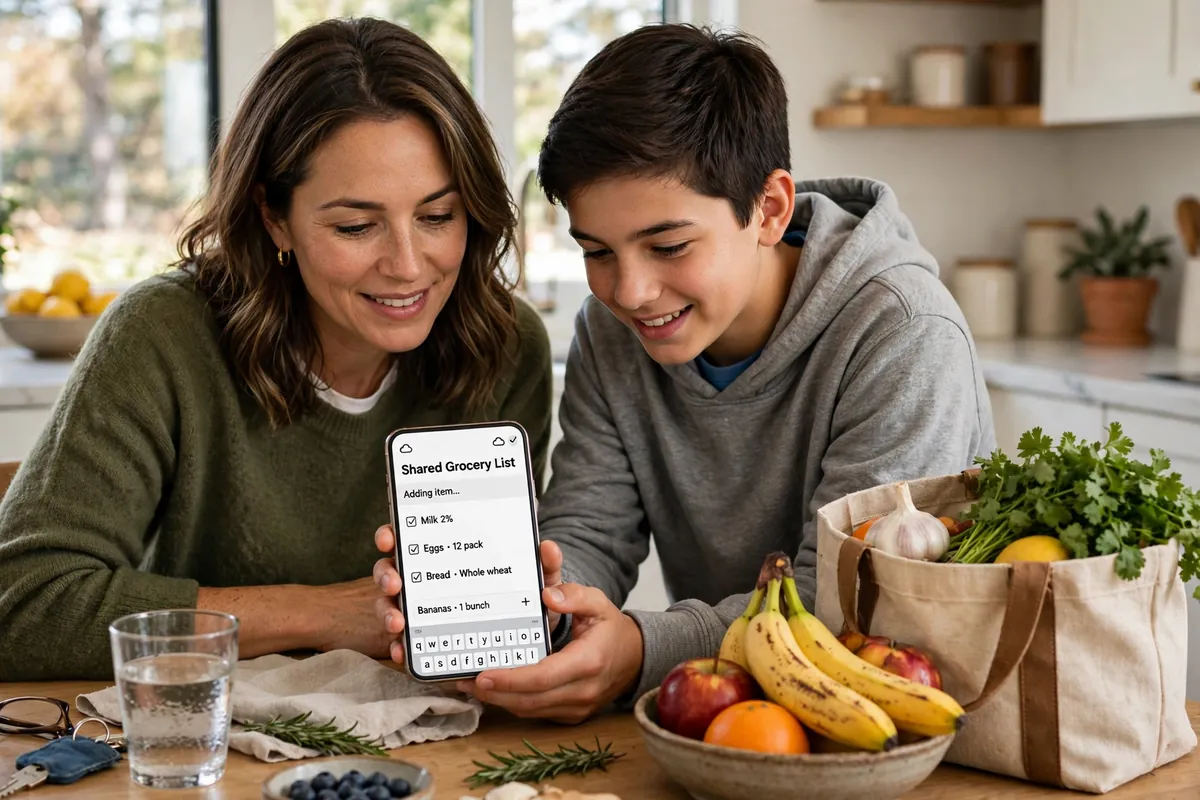
Sharing with your household. When family members can add to the same list, nobody has to send a separate message saying, “Oh, and get bread too.” Everyone sees the same list.
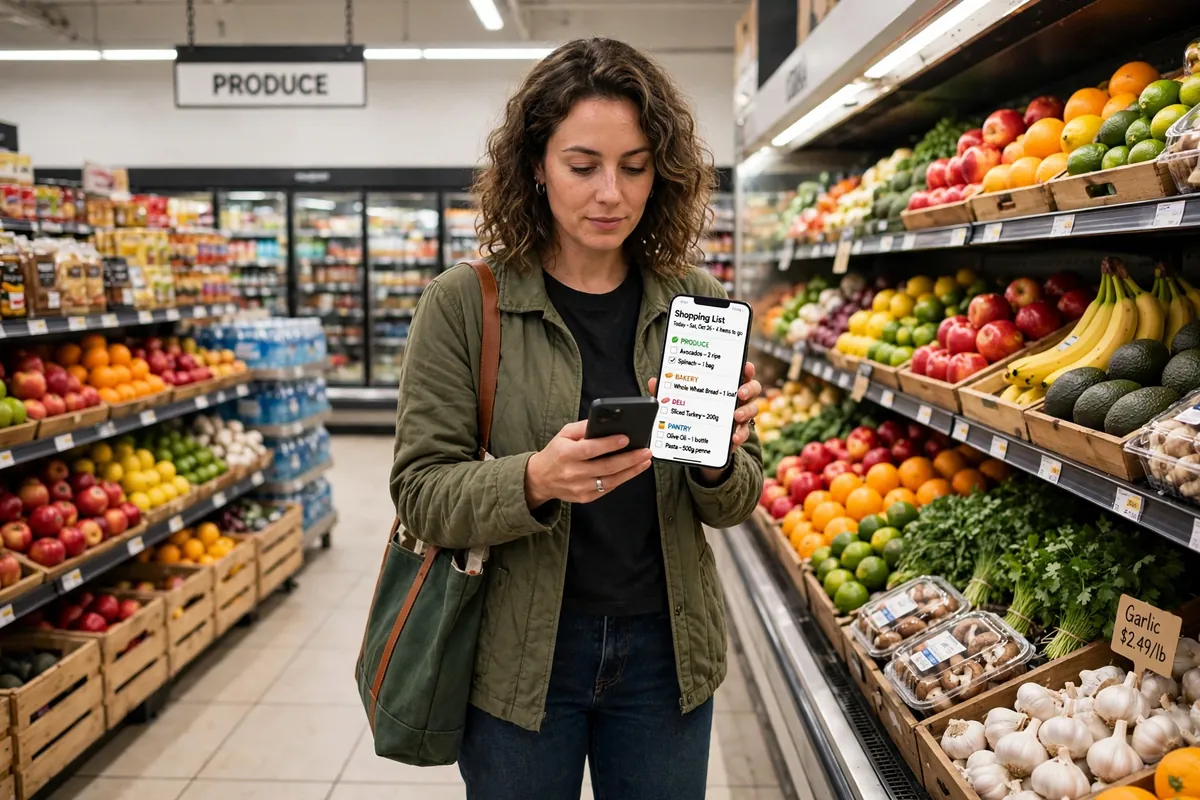
Groups by store section. A good list groups items as the store is arranged: fruit and vegetables, bread, milk and cheese, meat, and home items. So you walk through once, in order.
Notes and repeat items. “Milk” is not always enough. A short note like “2 litres” stops guesswork at the shelf. And since most homes buy the same basics weekly, an app that remembers them makes the next list much faster.
How to Set Up a Smart List in Five Steps
1. Pick one app for the whole household. One shared list only works if everyone looks at the same one.
2. Add your weekly basics first. Type in the items you buy almost every week.
3. Group items by store section. Use the order of your usual store.
4. Share it and agree on one rule. If you finish something, add it right away.
5. Try it for one full shop. Tick items off as you shop, then fix one awkward thing before next week.
A Shared List That Actually Works
Add items the moment you notice them: butter almost gone means “butter” goes on the list at once. Tick items off, do not delete them, so others see what is bought. Keep one main list, not one per person.
For example, Sara cooks for her family of four. Her husband used to text from the store: “Do we need cheese?” Now he sees cheese already ticked off, because Sara checked the fridge before he left. No second trip, no double buying.
Organise Your List by Store Section
Group items like this: fruit and vegetables; bread, rice, and pasta; milk, eggs, and cheese; meat or other protein; frozen food; and home items. Walk in that order, pass each section once, and put cold items last.
Paper List vs. App List: A Simple Comparison
| Way of listing | What is good about it | What is hard about it | Who it suits best |
|---|---|---|---|
| Paper list | Simple, no phone needed | Easy to lose, cannot be shared | One person, small trip |
| Simple list app | Easy to tick off, remembers repeat items | Needs your phone charged | Anyone wanting a tidy list |
| Shared family list app | Everyone sees the same list, fewer second trips | Needs everyone to use it | Families and shared homes |
| Meal-planning list app | Builds a list from planned meals | Takes more setup time | People who plan meals weekly |
No type is best for everyone. It depends on how many people shop in your home, and how much planning you like.
Check Your Pantry Before You Shop
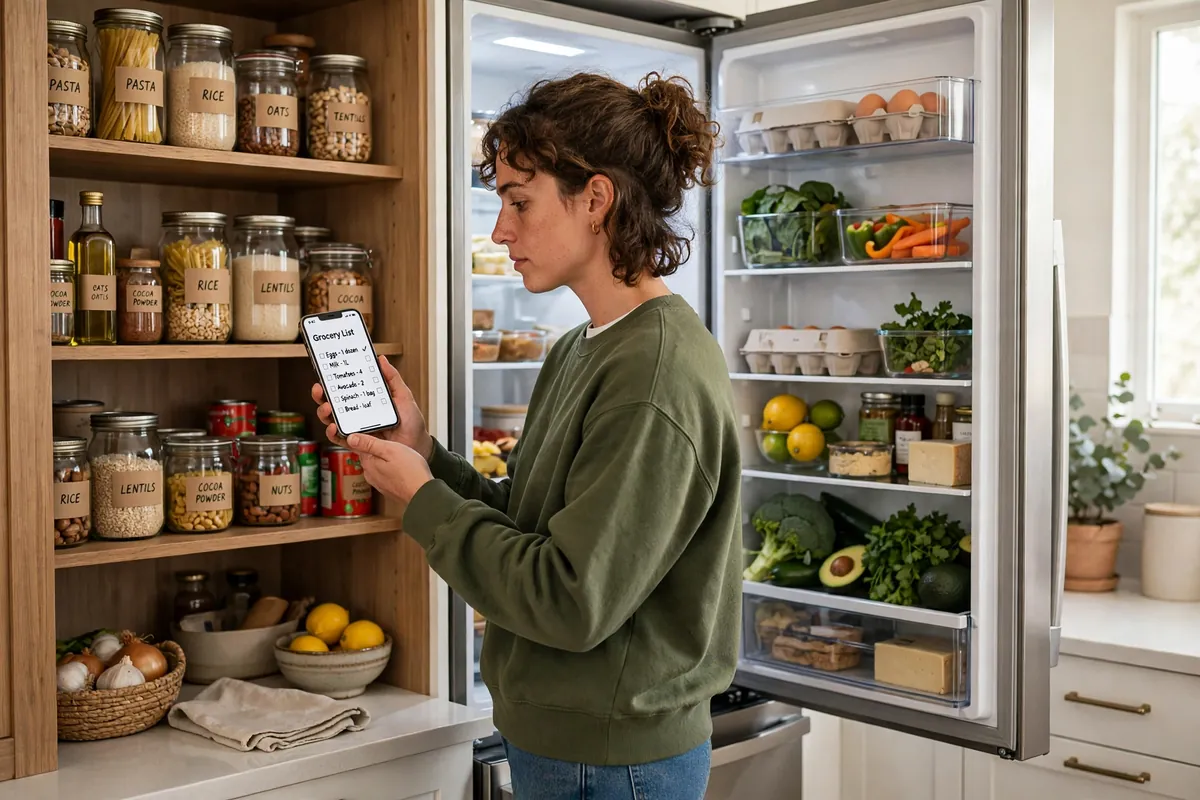
This step saves the most money, and most people skip it. Take two minutes to check the fridge, cupboard, and freezer, then build your list from what is missing, not from memory. Memory says, “I think we need rice.” Your cupboard says, “There are two bags already.”
How to Choose the Right App Type for You
Who will use it? If only you shop, a simple list app is enough. If others shop too, choose one that shares well, and test it first.
Will you use it in the store? It must be quick to open and simple to tick off with one hand. If it feels slow, you will stop using it there.
Do you plan meals? A meal-planning type only helps if you already plan meals weekly. If not, a simple list is better.
What about cost and privacy? Some apps are free; some charge for extra features. Use the free basics for a few weeks before paying. Also check what the app asks to access on your phone, and pick a simpler one if it asks for too much. No app fixes a list nobody updates.
A Fair Look at Grocery Shopping Apps
What they do well. A smart list keeps everything in one place. Sharing means fewer forgotten items, grouping makes the shop faster, and repeat items speed up the next list.
Where they can fall short. They need a charged phone. If one person will not use the app, the shared list breaks down. A long, ungrouped list is also hard to scan on a small screen.
Who it suits, and who it may not suit. They suit families, shared homes, and anyone who shops often or forgets items. They may not suit someone who shops rarely, buys little, or prefers paper. If a paper list already works perfectly, keep it.
The honest bottom line. Try one if forgotten items, second trips, or double buying are regular problems. Do not pay for extras until the free basics work for a few weeks, and judge it after three real shops.
Why You Can Trust This Advice
This guide is based on how grocery lists work in everyday homes: plan at home, check what you have, group items by store section, and share one list. Nothing here depends on one brand or phone, so it stays useful even if you change apps. The habits, not the app, do the work.
Still, check things yourself: does it work on your phone, does sharing work in your home, and are paid features worth it after a few free weeks? Features and prices can change, and what suits one home may not suit another. Test it in one real shop and keep only what helps you.
Mistakes to Avoid
- A second, separate list that nobody else can see
- Adding items only on shopping day, instead of when you run out
- A long list with no groups, hard to follow in the store
- Paying for extra features before the free basics have proved useful
- Skipping the pantry check, so you buy what you already have
Questions People Ask
What is the best grocery shopping app?
There is no single best one. Pick a simple app that shares well if others shop too, and groups items by store section. Try the free basics, and judge it after three real shops.
What is a smart grocery shopping list?
A phone list you can add to any time, share with your household, tick off in the store, and reuse for repeat items.
How do shared grocery lists work?
Everyone opens the same list. Added items are visible to all, and ticked items show as bought.
Should I organise my list by store section?
Yes, for a faster shop. Group items as your store is laid out, pass each section once, and put cold items last.
Do I need a meal-planning app?
No. A simple list is enough for most homes. A meal-planning type only helps if you already plan meals weekly.
A smart list will not shop for you. But a clear, shared, grouped list can turn a rushed shop into a calm one. Start simple, check your pantry, and let the habit do the work.